Private AI Porn Generator: What to Check Before You Upload Anything
A practical checklist for adults to evaluate upload privacy, consent, retention, training use, and deletion before using any private AI porn generator.
Adults only (18+): This article is for adults. It avoids graphic descriptions and focuses on privacy, consent, and safe handling of sensitive inputs.
If you’re evaluating a private ai porn generator, the real trust test isn’t the marketing copy—it’s what happens the moment you upload something personal.
Text prompts are one thing. Uploads are different.
An uploaded image can contain identifying details. It can carry hidden metadata. And depending on the tool, it might be retained, reviewed, or used to improve models.
This guide gives you a practical, verification-first checklist you can use before you upload anything sensitive.
Why uploads are the highest-risk moment
With uploads, the downside isn’t just “I don’t like the output.” The downside is loss of control.
Before you trust a tool with sensitive inputs, you need clarity on a few questions:
Will your uploads be stored? If yes, for how long?
Will your uploads be used for training / model improvement?
Can you delete your data—and does “delete” mean real deletion or just “not visible in your dashboard”?
Can staff or contractors review your content for safety or moderation?
What happens if there’s a security incident?
Privacy reporting around AI tools consistently comes back to one core habit: data minimization—share the least possible, and use privacy controls where they exist.
For adult tools, add one more layer: consent and rights. If you don’t have the legal right and consent to use an image, don’t upload it—full stop.
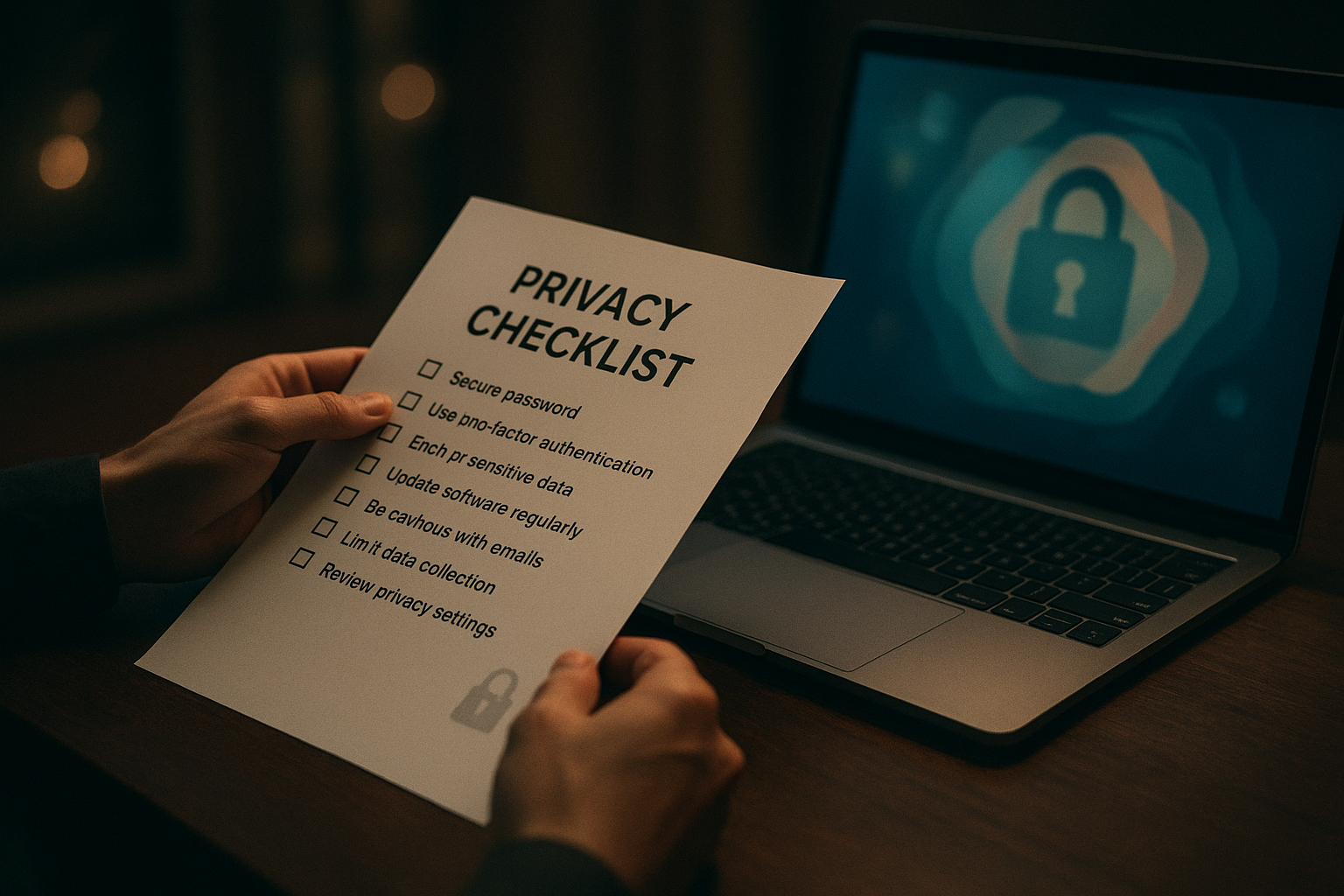
Private AI porn generator pre-upload checklist (use this like a decision filter)
Below is a practical checklist you can apply to any platform before you upload personal images, reference photos, or sensitive inputs.
1) Consent, rights, and “who is in the image?”
Yes / No checks:
Do you have the rights to use the image (you created it, licensed it, or it’s yours to use)?
If a real person is depicted, do you have their explicit consent for this use?
Are you 100% sure the content involves adults (18+) only?
If any answer is “no,” don’t upload.
⚠️ Warning: In adult contexts, “I found it online” is not a rights model—and it’s not a consent model.
2) Data retention: how long do they keep uploads?
Look for specific retention language. Good policies usually include:
A retention window (e.g., “X days”) or a clear trigger (“deleted when you delete your account”).
Whether retention differs between uploads, generated outputs, and logs/telemetry.
Red-flag language includes:
“We retain data as long as necessary” with no explanation.
No mention of retention at all.
3) Training use: can your uploads be used to improve models?
This is the biggest hidden variable.
Look for clear answers to:
Are uploads used for training by default?
Is there an opt-out (and where is it)?
If you opt out, does it apply to uploads and generated images, or only to text prompts?
If the policy says something like “we may use content to improve services” but doesn’t spell out what that means, assume the risk is higher until clarified.
4) Deletion controls: can you delete uploads and outputs?
A trustworthy tool makes deletion simple and unambiguous.
Yes / No checks:
Can you delete individual uploads and generated images from your dashboard?
Can you delete your entire account?
Does the policy explain what deletion means for backups and logs?
If the platform offers deletion controls but avoids describing what happens behind the scenes, don’t fill in the blanks with optimism.
5) Human review and moderation: who can access your content?
Many AI services use a mix of automation and human review to enforce rules and investigate abuse.
Look for:
Whether staff/contractors can access user content.
Under what circumstances (e.g., abuse reports, troubleshooting, safety).
Whether access is audited and limited.
This isn’t automatically “bad”—but it should be transparent.
6) Security basics: do they treat sensitive data like sensitive data?
You rarely get a full security architecture diagram as a consumer. But you can still look for signals:
Clear mention of encryption (at rest / in transit).
Incident-response language (how they handle breaches).
Whether they describe third-party processors (“subprocessors”).
If you can’t find any security posture statement, treat the tool as unproven.
7) Payment privacy: what does your billing trail reveal?
If you pay for a plan, consider what the transaction record exposes.
Practical questions:
Does the billing descriptor expose sensitive details?
Do they offer discreet billing options?
Don’t assume. Check.
Red flags that should end your evaluation fast
If you see any of these, pause your upload plans:
Vague policy language that never explains retention or training use.
No visible way to delete content or account.
A policy that grants the provider broad rights to reuse your content without meaningful limitation.
No mention of consent rules, adult-only restrictions, or abuse reporting.
“100% private” style claims with no documentation to back them up.
Key Takeaway: The best “private” tool isn’t the one that promises the most—it’s the one that defines the rules clearly and gives you controls you can verify.
A safer upload workflow (risk reduction without false promises)
Even if you choose a tool that looks trustworthy, you can reduce risk further with a simple workflow.
Step 1: Minimize what you upload
Avoid faces, tattoos, unique backgrounds, mail, documents, or anything that can identify a person.
Crop aggressively.
Lower resolution if the use case allows it.
Step 2: Strip metadata before uploading
Images can include EXIF/IPTC/XMP metadata (device model, timestamps, sometimes location).
Before uploading sensitive images:
Export a fresh copy.
Strip metadata.
Keep the original offline.
Step 3: Separate identities
Use a dedicated email address for sensitive tools.
Use unique passwords (and 2FA if offered).
Avoid linking social accounts unless you genuinely need the convenience.
For broader context on how consumer AI tools handle data and privacy controls, see Wired’s guide on protecting your privacy when using AI tools (2023).
Step 4: Treat outputs like sensitive files too
If you download results:
Store them in a private folder.
Consider stripping metadata again if you plan to share.
Be cautious about where you repost or host them.
What trustworthy adult AI tools should provide
A credible adult tool doesn’t need to oversell privacy. It needs to be legible.
Look for:
Clear documentation on retention, training use, and deletion.
Consent rules that explicitly ban non-consensual use.
Reporting and abuse-handling mechanisms.
Practical security and incident-response language.
A product experience that doesn’t push you into uploading sensitive material to get value.
Privacy also depends on where the tool runs. As DeepSpicy’s broader discussion of uncensored tools notes, local/self-hosted setups naturally keep more on your machine, while cloud tools vary widely in what they retain (see what an uncensored AI generator is).
Next step: evaluate a private-first workflow (without risky assumptions)
If you’re looking for a private ai porn generator experience that emphasizes creator control and a privacy-first mindset, you can explore DeepSpicy—and use the checklist above to validate any tool you’re considering.
The best decision is the one you can defend with evidence, not hope.
FAQ
Is it safe to upload personal photos to an AI porn generator?
It depends on the platform’s retention, training-use, and deletion policies—and on what’s in the image. If you can’t verify those policies clearly, assume the risk is higher and avoid uploading identifying material.
What should I look for in a privacy policy before I upload anything?
Look for explicit answers on (1) retention duration, (2) training/model-improvement use, (3) deletion and account removal, (4) third-party processors, and (5) human review conditions. Vague language is a red flag.
Can my uploads be used to train an AI model?
Some services may use user content to improve models or services. You should only assume uploads are excluded from training if the policy clearly says so and provides a control or opt-out you can verify.
Should I remove EXIF metadata before uploading images?
Yes, if there’s any chance the image contains sensitive context. Metadata can reveal device details, timestamps, and sometimes location. Stripping metadata is a simple risk-reduction step.
Does “uncensored” mean private?
No. “Uncensored” usually refers to fewer automated content filters. Privacy depends on the platform’s data handling, retention, and training policies, plus your own upload hygiene.
Consent and responsibility note: This article is high-level information, not legal advice. Laws and platform rules vary. Always ensure consent and check local requirements.