7 Best Midjourney Alternatives for Uncensored AI
Explore 7 Midjourney alternatives for uncensored AI image generation—privacy-friendly options with stronger character consistency and precise inpainting/editing tools.

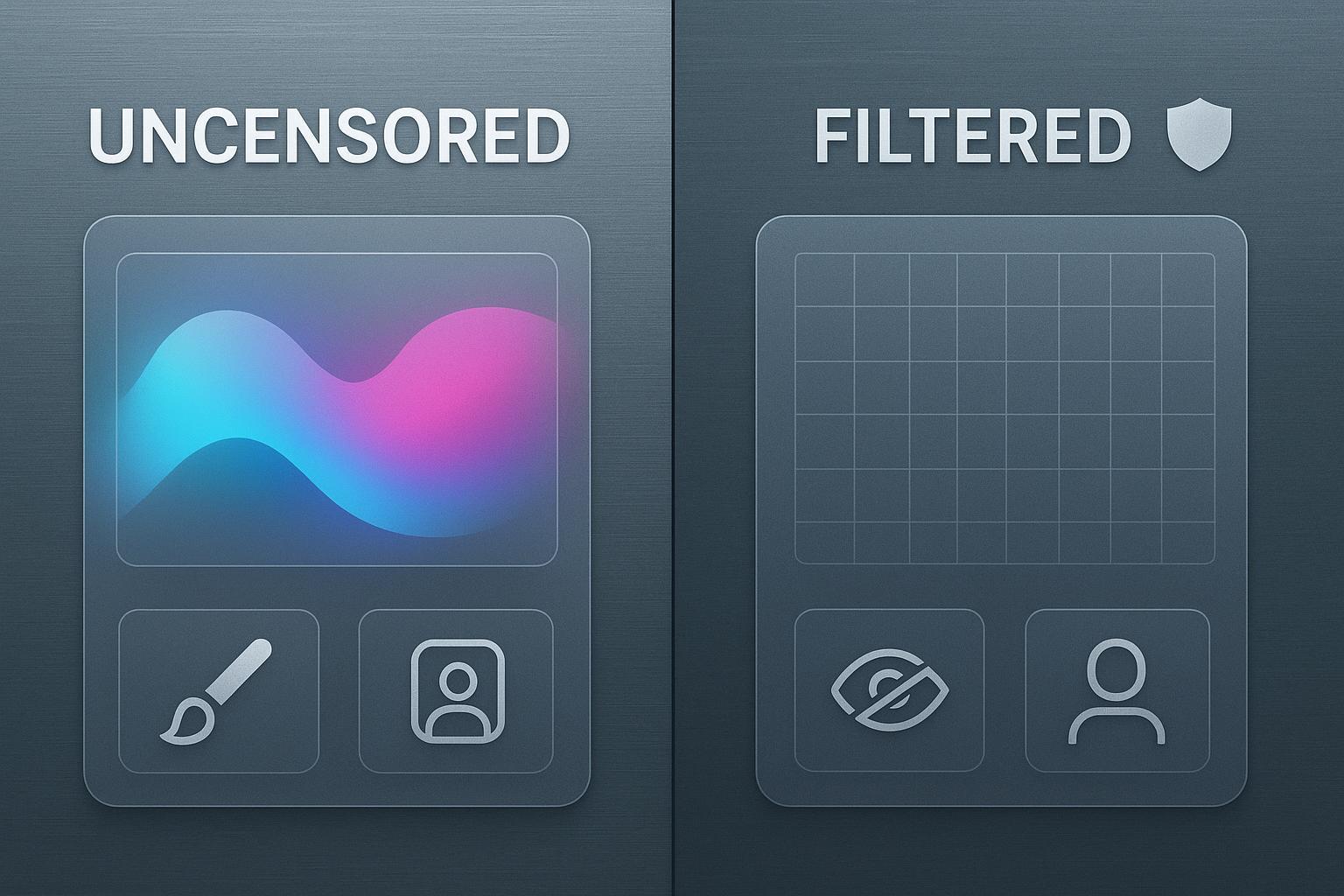
If moderation filters keep interrupting your ideas, you’re not alone. Many creators love Midjourney’s polished look and speed, but they need more room to explore adult and boundary‑pushing themes, tighter character consistency, or private workflows. Quick note on responsibility: create legally, respect consent and copyrights, and follow local laws.
The best Midjourney alternatives at a glance
DeepSpicy — Privacy‑minded, creator‑controlled NSFW with strong character consistency and precise editing
AUTOMATIC1111 WebUI — Local control with rich plugin ecosystem and SD‑format asset compatibility
InvokeAI — Friendly local app with robust inpainting/outpainting and SD model support
ComfyUI — Node‑based power for complex, repeatable pipelines and fine control
Mage.Space — Simple hosted option with NSFW‑friendly settings and quick starts
NovelAI (image) — Style‑consistent outputs with anime/illustration strengths
Tensor.Art — Community hub with model variety and hands‑on controls
Fooocus — Minimal, guided local workflows that are easy to learn
Side‑by‑side comparison
Tool | NSFW stance | Consistency aids | Precision editing | Privacy posture | Price snapshot | Migration difficulty |
|---|---|---|---|---|---|---|
DeepSpicy | Low‑censorship, creator‑controlled options | LoRA/embeddings/IP‑Adapter support | Inpainting/outpainting; targeted prompt edits | Privacy‑first cloud posture | Mid‑tier subscription | Medium |
AUTOMATIC1111 WebUI | User‑controlled (local) | LoRA/embeddings; ControlNet/IP‑Adapter | Strong masking; regional prompting | Fully local/self‑hosted | Free software; hardware cost | Medium |
InvokeAI | User‑controlled (local) | LoRA/embeddings; seed control | Robust in/outpainting UI | Local/self‑hosted | Free software; hardware cost | Medium |
ComfyUI | User‑controlled (local) | Extensive node controls; adapters | Granular, node‑level edits | Local/self‑hosted | Free software; hardware cost | High |
Mage.Space | NSFW‑friendly settings | Model presets; seeds | Masking and edits vary by tier | Hosted with standard retention | Low to mid subscription | Low |
NovelAI (image) | Permissive within policy | Style tokens; seeds | Limited on‑canvas edits | Hosted; account‑based | Subscription | Low |
Tensor.Art | Community‑led, NSFW‑tolerant | Model hub; LoRA imports | Feature set varies | Hosted; community platform | Credits/subscription | Medium |
Fooocus | User‑controlled (local) | LoRA/embeddings | Basic inpainting | Local/self‑hosted | Free software; hardware cost | Low |
Note: Policies, features, and pricing evolve. Check official pages before committing.
Best for different needs
Best for full NSFW freedom
Local stacks like AUTOMATIC1111, InvokeAI, and ComfyUI keep safety choices in your hands. You decide models, filters, and retention. The trade‑off is setup time and hardware demands.
Best for character consistency
Platforms or stacks that support LoRA, embeddings, and adapters tend to win here. DeepSpicy stands out for multi‑scene identity retention, while ComfyUI enables repeatable, node‑based conditioning for complex sequences.
Best for privacy or local control
Run locally if you want maximum discretion: AUTOMATIC1111, InvokeAI, ComfyUI, and Fooocus. You avoid cloud retention and gain offline options, but you’ll manage updates and GPUs.
Best budget or self‑hosted
Free software plus your own GPU can be cost‑effective at scale. Fooocus is the easiest entry. AUTOMATIC1111 and InvokeAI offer more depth once you’re comfortable.
Best for quick polished output with minimal setup
Mage.Space and NovelAI provide straightforward hosted flows with permissive settings (within their policies). Expect quicker starts and predictable costs, with fewer knobs than local tools.
When to stay with Midjourney vs when to switch
Stay if you rely on its instantly pleasing style, thriving prompt library, and fast iteration with minimal setup. Consider switching—or running a hybrid workflow—if moderation blocks your core themes, if you need repeatable character identity across scenes, if you require on‑canvas precision edits, or if you need stronger privacy controls than a mainstream cloud. If you’re comparing Midjourney alternatives for the first time, map the exact blockers you’ve faced and test against those cases first.
Migration checklist and pilot plan
Inventory prompts and styles, plus any LoRA/embedding assets you can reproduce in SD‑compatible formats.
Validate import paths: confirm support for LoRA/embeddings, seeds, and style presets in your chosen tools.
Map your must‑have controls (inpainting/outpainting, regional prompting, adapters) to equivalent features.
Align NSFW settings to your risk posture; test borderline prompts in a private sandbox.
Estimate total cost of ownership: subscription or credits vs owned hardware, expected throughput, and storage. If you’re weighing multiple Midjourney alternatives, compare cost‑per‑acceptable output across a fixed test set.
Check integrations: move from Discord‑centric flows to a standalone app/UI/API if needed; plan exports.
Run a time‑boxed pilot (e.g., 10 canonical prompts, 3 scenes per character) and score quality, consistency, and speed before a full switch.
Mini‑reviews of notable Midjourney alternatives
DeepSpicy
What it is: A privacy‑first platform focused on creator‑controlled NSFW generation, stronger character consistency, and precise on‑canvas edits.
Where it’s strong: It typically offers fewer prompt interruptions, maintains character identity across scenes, and excels at inpainting/outpainting and targeted prompt refinements. Designed with minimal data exposure in mind.
Constraints: As a focused platform, some third‑party add‑ons may arrive later than in open ecosystems.
When not to choose: If you require strict enterprise SSO/governance immediately, or if your workflow is tied exclusively to Discord bots.
Learn more: Visit DeepSpicy.
AUTOMATIC1111 WebUI
What it is: A popular local Stable Diffusion interface with a vast extension ecosystem.
Where it’s strong: Full local control, broad LoRA/embedding support, ControlNet/IP‑Adapter modules, and deep inpainting/outpainting tools.
Constraints: Requires GPU hardware, manual updates, and patience with extensions.
When not to choose: If you want a hosted, no‑maintenance experience or team‑ready collaboration.
InvokeAI
What it is: A user‑friendly local app for Stable Diffusion workflows.
Where it’s strong: Clean UI, reliable in/outpainting, seed control, and model compatibility.
Constraints: Fewer bleeding‑edge modules than node‑based tools.
When not to choose: If you need complex, graph‑driven pipelines or enterprise governance.
ComfyUI
What it is: A node‑based workflow engine for building precise, repeatable image pipelines.
Where it’s strong: Ultimate control over conditioning, adapters, and multi‑step edits.
Constraints: Steeper learning curve and more setup time.
When not to choose: If you prefer simple sliders and quick presets over graphs.
Mage.Space
What it is: A hosted generator with permissive settings and quick starts.
Where it’s strong: Low‑friction onboarding, seeds and model variety, predictable pricing.
Constraints: On‑canvas precision and deep adapters vary by plan and roadmap.
When not to choose: If you require local privacy or extensive node‑level control.
NovelAI (image)
What it is: A hosted service known for anime and illustration strengths.
Where it’s strong: Consistent styles, reproducibility with seeds, and approachable UI.
Constraints: Less emphasis on granular on‑canvas editing.
When not to choose: If complex masking and regional prompting are central to your work.
Tensor.Art
What it is: A community‑centric platform with model and LoRA variety.
Where it’s strong: Discovery, experimentation, and hands‑on controls.
Constraints: Features and quality can vary with community assets.
When not to choose: If you need tightly governed, uniform results or strict privacy.
Fooocus
What it is: A simplified local app that streamlines Stable Diffusion workflows.
Where it’s strong: Easy setup, sensible defaults, and quick paths to solid results.
Constraints: Fewer fine‑grained controls than A1111 or ComfyUI.
When not to choose: If you want advanced adapters or complex node graphs.
Final steps
Here’s the deal: run a small pilot across two or three favorites using identical prompts and assets, score the results, and only then commit budget or time to a full switch. If Midjourney’s strengths still serve most of your needs, keep it in a hybrid stack while you explore uncensored options for specific projects. As you compare Midjourney alternatives, document what “good” looks like for your use case—anatomy accuracy, lighting, and repeatable character identity—so your tests stay honest and your final choice sticks.